
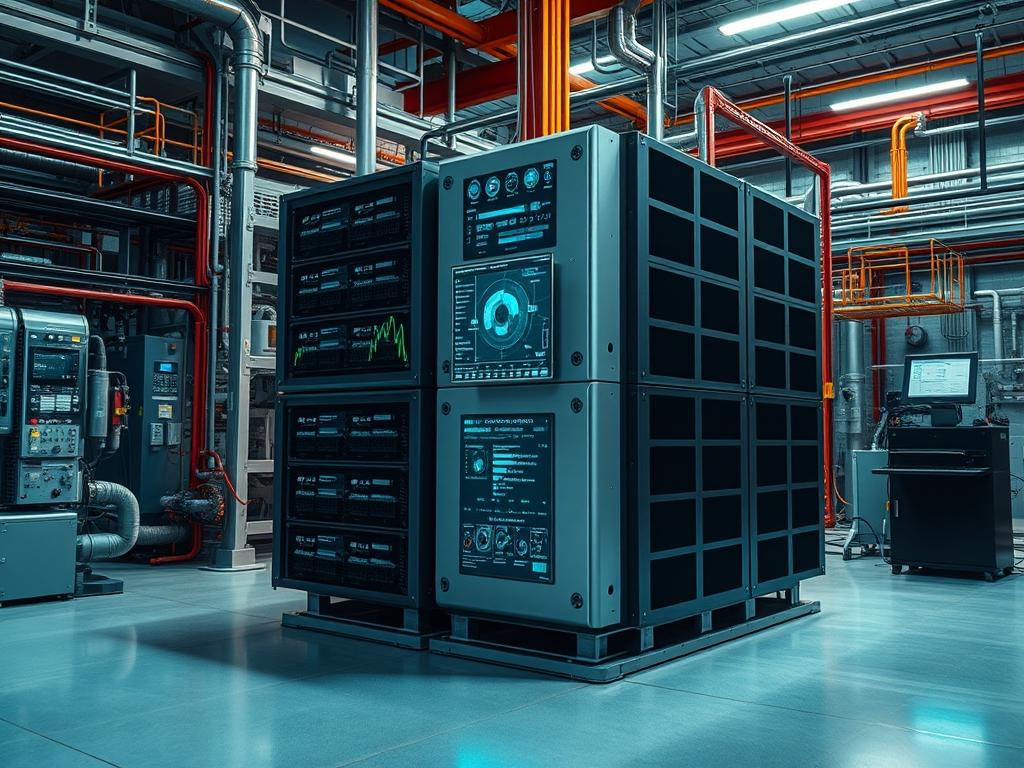
Inverter stacking is the architectural process of interconnecting multiple power conversion units to increase total system capacity, provide redundancy, or enable multi-phase output from single-phase sources. This configuration establishes a synchronized AC bus where multiple inverters operate as a single logical entity. The primary objective is to scale power throughput beyond the thermal and physical limits of a single chassis while maintaining high localized power quality. Within industrial and critical infrastructure domains, stacking integrates with battery energy storage systems (BESS), photovoltaic arrays, and microgrid controllers. The integration layer relies on a high-speed communication backbone, typically via CAN bus or RS485, to manage the Phase-Locked Loop (PLL) synchronization across all nodes. Operational dependencies include matched DC bus impedance and identical firmware versions to ensure uniform current distribution. Failure to maintain precise synchronization results in circulating currents, which can trigger overcurrent protection or cause catastrophic hardware failure. This stacking logic directly impacts system throughput by allowing additive wattage while introducing specific resource implications regarding communication latency and thermal dissipation in dense rack environments.
| Parameter | Value |
| :— | :— |
| Communication Protocol | CAN bus (Controller Area Network) or RS485 |
| Baud Rate | 250 kbps to 500 kbps (Application dependent) |
| Phase Synchronization | < 2 degrees angular drift |
| Nominal DC Input | 48V, 400V, or 800V DC |
| Total Harmonic Distortion (THD) | < 3 percent at rated load |
| Operating Temperature Range | -20C to +50C (Derating above 40C) |
| Standards Compliance | IEEE 1547, UL 1741, IEC 62109 |
| Communication Latency Requirements | < 20ms between Master and Slave nodes |
| Maximum Units in Parallel | 6 to 16 units (Hardware specific) |
| Galvanic Isolation | 2.5 kV to 4 kV AC |
Environment Prerequisites
Successful implementation requires all participating inverter nodes to be flashed with identical firmware versions to ensure command set compatibility. DC input cabling must be matched in length and gauge to within a 5 percent tolerance to prevent uneven voltage drops that lead to disproportionate loading. Physical infrastructure must include a shared AC busbar capable of handling the sum of all units’ rated current output plus a 25 percent safety factor. A dedicated communication network, isolated from high-voltage DC runs to prevent EMI, is required. Every unit must share a common ground reference to avoid ground loops that disrupt low-voltage signaling.
Implementation Logic
The architecture utilizes a Master-Slave hierarchy or a distributed peer-to-peer consensus model to manage waveforming. In a Master-Slave configuration, the designated Master unit generates the reference sine wave and broadcasts frequency and voltage setpoints to Slaves at high frequency. The secondary units utilize a Pulse Width Modulation (PWM) algorithm to track the Master’s phase angle using localized PID controllers. This ensures that the voltage peaks across all units occur within microseconds of each other. Load handling is managed through droop control, where each inverter slightly adjusts its output frequency or voltage based on the detected load to share the current burden proportionally. If the communication bus fails, the units are programmed to enter a fail-safe state, typically islanding or shutting down, to prevent out-of-phase connection to the AC bus.
Physical Communication Bus Termination
Establish the physical link between inverters using shielded twisted pair cabling. For a CAN bus deployment, ensure that 120-ohm termination resistors are installed only at the two extreme ends of the daisy chain. Incorrect termination causes signal reflection, leading to packet loss and loss of synchronization. Use a Fluke 289 multimeter to verify the resistance across the CAN_H and CAN_L lines; a healthy bus should measure approximately 60 ohms when the system is powered down.
System Note:
The Modbus or CAN transceiver in each inverter is sensitive to common-mode voltage. Verify that the shield is grounded at a single point to prevent circulating ground currents from corrupting the communication frames.
Controller Configuration and ID Assignment
Access each inverter via the local service port using a serial console or a dedicated management utility like victron-vbus or a proprietary manufacturer tool. Assign a unique hardware ID to each unit. Designate the unit closest to the AC distribution point as the Master (ID 01) and subsequent units as Slaves (ID 02, 03, etc.). Configure the synchronization mode to Parallel-Primary for the Master and Parallel-Follower for the Slaves.
“`bash
Example CLI configuration for a Linux-based inverter gateway
Set unit ID and mode
inverter-cli set –id 01 –mode primary
inverter-cli set –id 02 –mode follower –master-id 01
Verify communication status
inverter-cli get –parallel-status
“`
System Note:
When using systemctl to manage the communication daemon on a gateway device, ensure the can0 interface follows the correct bitrate. Use ip link set can0 up type can bitrate 500000 to initialize the hardware.
DC Bus Equalization and Verification
Before closing the AC output breakers, check the DC input voltage at the terminals of each inverter. Use a thermal camera to inspect the DC connections under a small test load to identify high-resistance contact points. Variations in DC cable length translate to internal impedance mismatches, causing one inverter to “pull” more current from the battery bank than others. This leads to premature thermal throttling on the overloaded unit.
System Note:
Check the syslog or journalctl -u inverter-service for “DC ripple voltage” warnings. Significant ripple indicates that the DC bus capacitors are struggling to compensate for cable inductance or poor connections.
AC Phase Alignment and Commissioning
Close the DC disconnects and power on all units. Before closing the AC output breakers to the common bus, measure the AC voltage between the L1 terminals of the Master and any Slave. The reading should be near zero volts if they are in phase. A reading equal to the nominal voltage (e.g., 230V) indicates a 180-degree phase shift, which will result in a short circuit upon connection. Once verified, enable the AC outputs and monitor the load sharing via the SNMP MIB or a local interface.
System Note:
Monitor the Modbus register for “Current Displacement.” If one unit shows significantly higher current than others while under the same load, recalibrate the internal current sensors using the manufacturer’s calibration routine.
Dependency Fault Lines
Communication Signal Attenuation:
Long cable runs or poor shielding lead to corrupted CAN frames.
Symptoms: Intermittent “Parallel Comm Error” (F04), units dropping out of the cluster, or rapid oscillation in output wattage.
Verification: Use an oscilloscope to inspect the CAN signal integrity or check the error counter in netstat -i on the management controller.
Remediation: Shorten cables, use better shielding, or reduce the baud rate if supported.
Firmware Mismatch:
Different firmware versions might use different timing for the PWM interrupt or different versions of the communication protocol.
Symptoms: Units refuse to sync, or the Master fails to recognize certain Slaves.
Verification: Query the version string using inverter-cli get –version on all nodes.
Remediation: Perform a bulk firmware update to a unified stable release.
Phase Displacement:
Internal clock drift or high latency on the communication bus causes a phase angle offset.
Symptoms: High reactive power (VAR) readings even with purely resistive loads, and increased heat in the AC busbar.
Verification: Check the phase angle register via Modbus or use a dual-trace oscilloscope to compare the output waves.
Remediation: Replace the communication cables or check for high EMI sources near the inverters.
Troubleshooting Matrix
| Error Code | Meaning | Diagnostic Step | Remediation |
| :— | :— | :— | :— |
| F04 | Parallel Comm Failure | Check CAN cable and termination | Replace cable; check 120-ohm resistors |
| F12 | AC Phase Mismatch | Measure voltage between parallel AC Out | Re-run phase-locking routine; check Master ID |
| F80 | Current Unbalance | Check DC cable length and terminal torque | Equalize DC cabling; tighten terminal bolts |
| W15 | Sync Latency High | Inspect CPU usage on Master unit | Reduce task load on controller; check EMI |
| ALARM 02 | Thermal Throttling | Check fan operation and airflow | Clean filters; verify individual fan speeds |
Log Analysis Strategy:
Use grep -i “sync” /var/log/syslog to identify the exact timestamp of a synchronization loss. Look for SNMP traps specifically reporting “Phase Lock Loop Unlock” events. If the system utilizes an external controller, check the MQTT broker for messages on the power/parallel/status topic to see which unit sent the first fault signal.
Performance Optimization
To maximize throughput, the system should be tuned for minimal circulating currents. Adjust the voltage setpoints in increments of 0.1V to ensure all units report essentially the same AC output voltage. For systems with variable loads, enable “Dynamic Load Shedding” in the controller logic. This shuts down redundant Slaves during low-demand periods to reduce the total tare loss (no-load power consumption) of the stack, then reactivates them as the load crosses a predefined threshold.
Security Hardening
Isolate the inverter communication network from the general corporate LAN. Use a gateway with two network interfaces: one for the internal RS485/CAN bus and one for external monitoring. Apply iptables rules to the external interface to allow only authenticated SNMP or HTTPS traffic. If using Modbus TCP, implement an Access Control List (ACL) to restrict register write access to specific management IP addresses. Physically secure the communication ports to prevent unauthorized access to the synchronization bus.
Scaling Strategy
For horizontal scaling beyond the limits of a single parallel string, organize inverters into clusters. Each cluster has its own local Master, and a “Common Controller” coordinates the clusters via a higher-level protocol like Modbus TCP. This design limits the failure domain; if one communication bus fails, only that cluster is affected. Ensure that the main AC distribution board is designed for these localized power injection points, accounting for fault current contributions from each cluster.
Admin Desk
How do I identify which inverter is the bottleneck?
Monitor the temperature and current registers for each node. If one unit consistently reports 10 percent higher current or 5C higher temperature than the others, inspect its DC wiring for lower resistance or better connection quality compared to the group.
Can I stack inverters of different capacities?
While some controllers allow it via power-ratio scaling, it is not recommended. Different internal impedances lead to unequal load sharing and complex frequency-droop behavior. Always use identical models for stable horizontal scaling and predictable thermal performance.
What happens if the communication cable is unplugged?
Most systems trigger an immediate emergency stop (E-Stop) or an islanding fault. The units cannot maintain phase alignment without the sync signal. Operating out of phase will result in physical damage to the power electronics and potential fire risks.
Does stacking increase the surge capacity?
Yes. Surges are shared across the parallel bus. However, the surge must not exceed the combined peak rating of the stack. Ensure the Master controller can signal Slaves to stay online during high-inrush events like motor starts.
Why is my Master unit reporting an F04 error?
F04 usually indicates a breach in the daisy chain or a faulty termination resistor. Use a multimeter to verify 60 ohms across the bus. Check for firmware version mismatches that prevent the Master from handshaking with a specific Slave.