
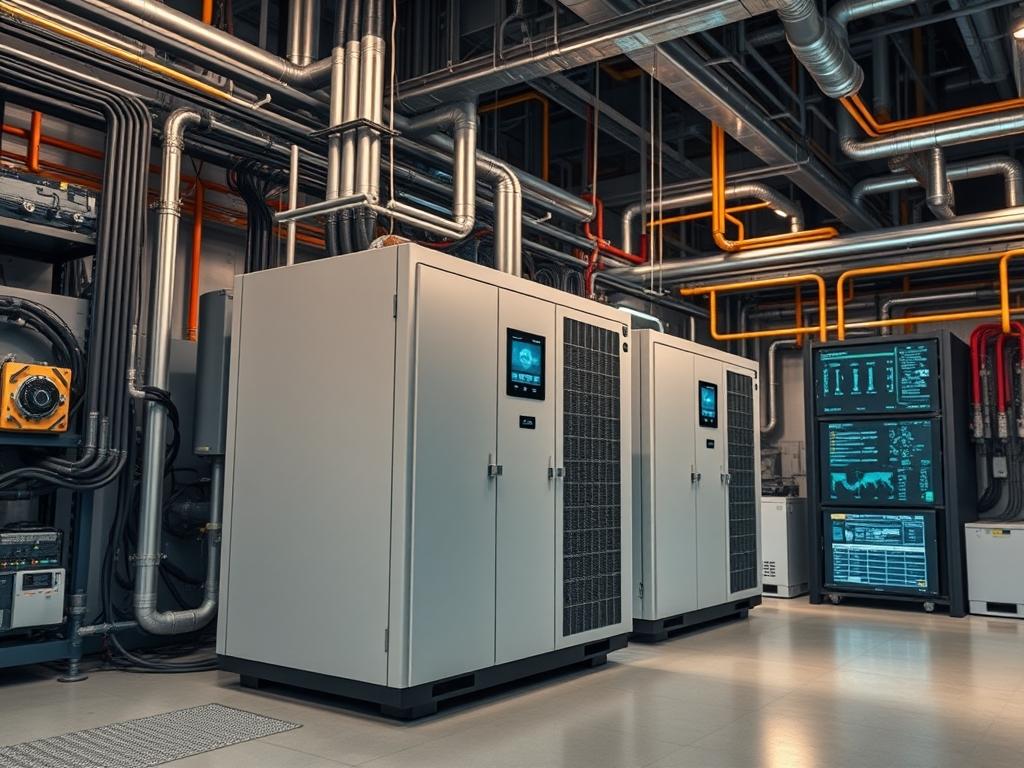
Inverter Standby Power refers to the quiescent current draw consumed by the internal circuitry, control logic, and switching components of a power inverter during zero-load conditions. In high density infrastructure environments, such as remote telecommunications towers or edge compute sites powered by battery banks, this parasitic load represents a significant energy leakage point. High capacity inverters often exhibit a tare loss ranging from 1% to 3% of their total nameplate rating. For a 10kW industrial inverter, a standby draw of 150W is common, resulting in 3.6kWh of daily energy waste solely to maintain the inverter in an active state.
The primary objective of managing Inverter Standby Power is to balance energy conservation with the latency requirements of the connected load. Minimizing this drain is critical during nocturnal hours when PV generation is absent and battery state-of-charge must be preserved. Implementation involves configuring technical features such as “Search Mode” or “Power Save Mode,” or utilizing external control logic via Modbus or dry contact relays. Failure to optimize this parameter leads to premature battery degradation and reduced thermal headroom within the power enclosure due to persistent waste heat generation. System reliability depends on maintaining high conversion efficiency across the entire load profile.
| Parameter | Value |
| :— | :— |
| Quiescent Current Range | 0.5A to 4.0A (at 48VDC) |
| Standard Operating Voltage | 12VDC, 24VDC, 48VDC, 600VDC |
| Communication Protocols | Modbus RTU, Modbus TCP, CANbus, SNMP |
| Industry Standards | IEC 62109, UL 1741, IEEE 1547 |
| Idle Power Threshold (Search) | 5W to 50W (Adjustable) |
| Environmental Tolerance | -20C to +60C |
| Security Exposure | Physical port access; Unencrypted Modbus over RS485 |
| Default RS485 Parameters | 9600/19200 Baud, 8N1 |
| Monitoring Threshold | 1 second polling interval |
| Hardware Profile | ARM Cortex-M4 or equivalent microcontroller |
Configuration Protocol
Environment Prerequisites
Successful optimization of Inverter Standby Power requires a battery bank with stable voltage characteristics and an inverter firmware version that supports programmable registers for power management. The system must have an industrial controller or gateway capable of executing Modbus commands, such as an Arduino based PLC or a Raspberry Pi running Node-RED. Physical requirements include shielded twisted-pair cabling for the RS485 bus to prevent signal attenuation and a high precision shunt or Fluke multimeter for verifying current draw at the DC bus.
Implementation Logic
The engineering rationale for minimizing standby load centers on reducing the duty cycle of the high-frequency switching MOSFETs and the magnetization current of the main transformer. When no load is detected, the inverter control logic should transition the power stage into a “Search” state where it pulses the output once per second to check for impedance. If the detected impedance indicates a load above a specific wattage threshold, the inverter ramps up to a full active state. Alternatively, for systems with predictable load schedules, an external controller can use a dry contact to toggle the inverter “Remote On/Off” terminal, which effectively cuts power to the internal auxiliary power supply sections, reducing consumption to the milliwatt range.
Step By Step Execution
Modbus Register Calibration
Connect the system controller to the inverter RS485 port. Use the mbpoll utility or a custom Python script using the pymodbus library to write to the power management registers. The target is typically the “Search Sense” or “Eco Sensitivity” register.
“`bash
Example write using mbpoll: Set Search Mode threshold to 20W on Register 40102
-a 1: Slave ID 1; -r 40102: Register address; -t 4: Holding register; 20: Value
mbpoll -a 1 -r 40102 -t 4 /dev/ttyUSB0 20
“`
Internal Modification: This command modifies the comparator threshold in the inverter firmware. The logic will now keep the H-bridge disabled until the feedback loop detects a current differential equivalent to 20W of demand.
System Note: Always verify the register map provided by the specific hardware manufacturer, as addresses vary significantly between brands.
External Relay Bypass Implementation
For deep power savings, wire a low-power relay module across the inverter remote terminals. These terminals are usually connected to the internal opto-isolator that triggers the DC-DC converter stage.
“`python
import RPi.GPIO as GPIO
import time
Control the inverter via GPIO connected to a relay
GPIO.setmode(GPIO.BCM)
GPIO.setup(18, GPIO.OUT)
def power_down_inverter():
GPIO.output(18, GPIO.HIGH) # Open relay to trigger Sleep Mode
print(“Inverter standby active”)
def power_up_inverter():
GPIO.output(18, GPIO.LOW) # Close relay to trigger Active Mode
print(“Inverter full power active”)
“`
Internal Modification: This action bypasses the internal load-sensing logic by physically interrupting the signal to the internal PWM controller.
System Note: Ensure the relay is rated for the voltage of the control circuit, typically 12VDC or 24VDC, not the high-voltage AC output.
Tuning Search Pulse Frequency
Configure the duration and frequency of the search pulse to prevent short-cycling. High frequency pulses (e.g., every 500ms) increase standby load slightly but allow for faster load recognition.
“`log
Monitoring inverter state via journalctl for a daemonized service
Dec 01 02:00:01 edge-node-01 inverter-svc[402]: Status: SEARCH_MODE
Dec 01 02:00:10 edge-node-01 inverter-svc[402]: Pulse Detect: 2W (Below Threshold)
Dec 01 02:05:01 edge-node-01 inverter-svc[402]: Pulse Detect: 45W (Triggering ACTIVE)
“`
Internal Modification: This adjusts the timing constants in the microcontroller kernel, specifically the interrupt timer that gates the MOSFET drivers.
System Note: Use a PID controller logic if the load is oscillatory to prevent the “hunting” effect where the inverter rapidly toggles between states.
Dependency Fault Lines
The most common failure in standby optimization is the “Ghost Load” conflict. Small electronics with internal switch-mode power supplies, such as LED indicators or small chargers, may draw just enough power to keep the inverter in active mode without being functional loads. This causes the inverter to stay on, consuming 50W to serve a 2W load.
Signal attenuation in the communication bus is another critical fault line. If the Modbus serial cable exceeds 100 meters without proper termination, packet loss occurs. This results in the controller failing to send the “Standby” command. Verification involves checking for CRC errors in the communication logs.
Thermal bottlenecks can occur if the inverter is frequently toggled. Every startup pulse creates a localized thermal spike in the MOSFET junctions and the DC capacitors. Rapid cycling can lead to capacitor dry-out or thermal fatigue. Remediation involves setting a minimum “Dwell Time” (e.g., 300 seconds) for any state change.
Kernel module conflicts on the gateway device, such as the ch341 or ftdi_sio drivers for USB-to-Serial adapters, can cause the control daemon to hang. If the daemon hangs while the inverter is active, the energy saving objective is lost for the entire nocturnal cycle.
Troubleshooting Matrix
| Symptoms | Root Cause | Verification Method | Remediation |
| :— | :— | :— | :— |
| Inverter stays in active mode with no load | Ghost load or Search Sensitivity too low | Measure AC current with Fluke 325; Check Register 40102 via mbpoll | Increase Search Sense threshold to 30W; Disconnect parasitic loads |
| Inverter “clicks” but fails to start | High inrush current of load | Monitor syslog for “Overload” or “Inrush Fault” | Install soft-starter or increase active-mode dwell time |
| No communication with inverter | RS485 wiring polarity or baud rate mismatch | Inspect dmesg for serial device errors; Check wire polarity (A vs B) | Swap RS485 A/B lines; Verify baud rate matches (e.g., 9600) |
| High battery drain at night despite standby | Internal auxiliary power supply (APS) defect | Measure DC input Amperage during standby; Check for heat on casing | Replace APS module or use external relay to cut remote power terminal |
| Rapid oscillation between Search/Active | Load is near the threshold limit | View SNMP traps for frequent state changes | Implement hysteresis logic in the control software |
“`bash
Example log verification for Modbus communication failures
tail -f /var/log/syslog | grep “modbus_error”
Sample entry: modbus_error: Timeout [Slave ID: 1, Function: 3, Register: 40001]
“`
Optimization And Hardening
Performance Optimization
To maximize throughput of energy conservation, implement a hierarchical load management strategy. Group non-critical loads (e.g., site lighting) onto a separate DC circuit, allowing the AC inverter to stay in deep sleep for longer periods. Reduce latency by calibrating the search pulse to align with the startup characteristics of the primary load. For inductive loads, increase the search pulse width to 100ms to ensure the magnetic field in the load’s transformer has time to stabilize for detection.
Security Hardening
Control interfaces for infrastructure inverters are often unencrypted. Isolate the RS485 or Modbus TCP network using a dedicated VLAN or physical air-gap. Implement firewall rules on the gateway device to restrict access to the inverter management ports (e.g., Port 502 for Modbus TCP). Disable any unused services, such as internal web servers or telnet, which are frequently active by default in industrial networking cards.
Scaling Strategy
For sites with multiple inverters, use a master-slave load balancing configuration. Instead of running three inverters at 10% load (where efficiency is lowest and standby loss is tripled), keep one inverter as the primary and use CANbus signaling to wake the secondary units only when the load exceeds 80% of the primary unit capacity. This horizontal scaling ensures that the standby overhead is limited to a single unit during low-demand periods.
Admin Desk
How do I determine the optimal Search Mode threshold?
Measure the continuous draw of your baseline “always on” devices. Set the Modbus search threshold 10W above this baseline. This ensures the inverter ignores minor parasitic draws but activates immediately when a primary tool or motor is engaged.
Will frequent standby cycling damage the inverter hardware?
Modern high-quality inverters use solid-state switching designed for high cycle counts. However, avoid cycles shorter than five minutes. Use a “Minimum Run Timer” in your PLC logic to prevent excessive thermal stress on the DC bus capacitors and MOSFETs.
Why does my inverter still draw 15W in “Search Mode”?
Search mode reduces but does not eliminate power consumption. The internal control logic, Modbus communication card, and the pulsing of the H-bridge still require energy. Total zero-watt consumption is only possible by using a physical relay to disconnect the battery.
Can I use a smart plug to manage inverter standby?
No. Smart plugs are AC devices and cannot control the DC input side or the internal logic of the inverter. Use the logic-level “Remote” terminals or the Modbus interface for safe, idempotent control of the inverter’s power state.
How do I verify the standby savings?
Log the DC amperage via your BMS or a shunt over a 24-hour period. Compare the amp-hour (Ah) consumption with Search Mode enabled versus disabled. Significant savings will appear as a flatter discharge curve during nighttime hours.