
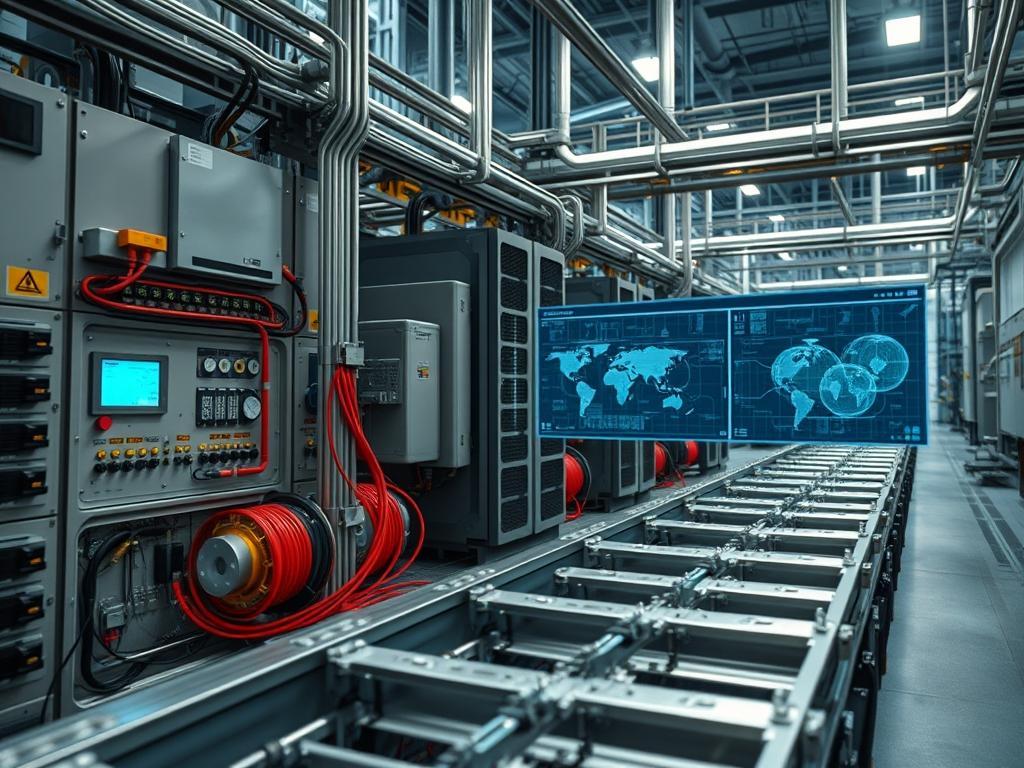
Cable tray routing serves as the physical backbone of high density communication and power distribution within the data center and industrial plant. At this layer, infrastructure engineers must manage the transition from vertical risers to horizontal distribution, ensuring that cable tray routing accounts for mechanical support, thermal dissipation, and electromagnetic interference (EMI) mitigation. The system operates as a passive management layer that directly influences the lifecycle of active components by preventing physical stress on transceivers and maintaining the structural integrity of copper and fiber media. Operational dependencies include structural ceiling or underfloor anchorage, grounding bus bars, and coordinated pathways that avoid high-heat zones such as steam pipes or unshielded transformers. Failure to correctly implement cable tray routing leads to signal attenuation, structural collapse under weight loads, or localized fires due to restricted airflow and cumulative heat buildup in bundled power conductors. Efficient routing ensures that throughput is not compromised by physical Layer 0 defects, maintaining the requisite signal-to-noise ratio across high speed Ethernet and InfiniBand deployments.
| Parameter | Value |
| :— | :— |
| Supporting Standard | NEMA VE 1 / CSA C22.2 No. 126.1 |
| Installation Standard | NEMA VE 2 |
| Fill Capacity Max | 40% to 50% for data; NEC 392 for power |
| Minimum Bend Radius | 4x cable diameter (Upping to 10x for Fiber) |
| Grounding Standard | NEC Article 250 / TIA-607-C |
| Thermal Operating Range | -20C to +120C (Material dependent) |
| Weight Loading Class | NEMA Class 8C, 12C, 20C (lb/ft) |
| Signal Separation | 2 inches (shielded) to 12 inches (unshielded) |
| Material Options | Galvanized Steel, Aluminum, Stainless, Fiberglass |
| Security Level | Physical Layer Unencrypted / Accessible |
Environment Prerequisites
Prior to deployment, the system architect must verify the structural load bearing capacity of the overhead slab or raised floor pedestals. This requires architectural blueprints and structural engineering sign-off for NEMA Class weight ratings. Required hardware includes Unistrut channels, threaded rods (1/2 inch or 5/8 inch), and seismic bracing if the zone requires it. Software requirements include CAD or Building Information Modeling (BIM) tools to map the 3D pathing and identify collisions with HVAC ducting or fire suppression pipes. All installers must adhere to OSHA safety standards and possess certifications for working at heights and handling high voltage cable management.
Implementation Logic
The engineering rationale for cable tray routing centers on the separation of services to prevent induction and crosstalk. The architecture uses a hierarchy where power is kept in bottom-fed or side-shielded trays, while data sits in higher, more accessible trays. This minimizes the risk of transients from power cables affecting low voltage signaling. The system utilizes ladder trays for heavy power cables to maximize airflow around conductors, whereas wire basket trays are selected for high density data runs to provide modular exit points. This logic ensures that thermal inertia does not lead to conductor degradation. All tray segments are electrically bonded to create a continuous low impedance path to ground, effectively acting as a Faraday cage for EMI reduction when using solid bottom trays.
Pathing and Anchor Installation
Define the primary route using a laser line to ensure straight horizontal runs. Anchor the Unistrut or support brackets into the ceiling slab using expansion anchors or beam clamps. Space the supports according to the NEMA VE 2 span distance requirements, typically every 4 to 10 feet depending on expected cable weight. This step ensures that cable tray routing does not suffer from sagging, which causes mechanical tension on individual wire strands.
System Note: Verify torque settings on all hanger bolts. Use a Fluke laser level to ensure the tray is perfectly horizontal to prevent cable migration over time.
Assembly and Mechanical Bonding
Install the tray sections (Ladder or Basket) onto the supports, securing them with J-bolts or hold-down clips. Connect tray sections using splice plates. It is critical to install bonding jumpers across every splice point to maintain electrical continuity for the grounding system, even if the splice plates are listed for grounding. This creates a redundant path for fault currents.
System Note: Conduct a continuity test using a digital multimeter set to low-resistance mode. The resistance across any splice should be less than 0.01 ohms.
Grounding and Bonding Integration
Connect the entire tray run to the Telecommunications Main Grounding Busbar (TMGB) or the nearest structural steel grounding point. Use a minimum of 6 AWG green insulated copper wire for the bonding conductor. This mitigates static buildup and provides a discharge path for lightning or power surges, protecting sensitive network interfaces.
System Note: Document the grounding path in the site infrastructure log. Use Burndy compression lugs for all permanent bonding connections.
Cable Deployment and Combing
Pull cables into the tray using calculated tension. For fiber optic runs, use a tension meter to ensure the pulling force does not exceed 25 lbs. Arrange data cables in bundles of 24 or 48 using hook-and-loop fasteners; never use plastic zip ties as they can create pressure points that lead to signal attenuation. Maintain the 40% fill ratio to allow for future expansion and cooling.
System Note: Utilize a Fluke DSX-8000 CableAnalyzer to perform a baseline test of at least 10% of the runs immediately after installation to detect any physical damage during the pull.
Structural Overload and Sag
The root cause of structural failure is ignoring the weight of cumulative cable runs. Observable symptoms include visible bowing of the tray and popping sounds from fasteners. Verification involves measuring the deflection at the midpoint between supports. Remediation requires installing intermediate supports or migrating 30% of the cable volume to a parallel tray run.
Signal Interference (EMI/RFI)
Placing unshielded twisted pair (UTP) data cables directly adjacent to high voltage (480V) power lines causes packet loss and CRC errors. Symptoms include reduced network throughput and intermittent link flapping. Use an oscilloscope or network sniffer like Wireshark to identify retransmission rates. Remediation involves installing a grounded metallic barrier between cables or maintaining a minimum 12 inch separation.
Thermal Bottlenecking
Overfilling trays with power conductors leads to insulation breakdown due to heat. Observable symptoms include a “hot plastic” smell and scorched insulation. Verification requires an infrared thermal camera to find hotspots within the bundle. Remediation requires thinning the bundle to comply with NEC Table 392.17 ampacity derating factors.
| Fault State | Log / Sensor Observation | Diagnostic Tool | Action |
| :— | :— | :— | :— |
| High Resistance | SNMP Trap: Ground Fault Alarm | Multimeter | Re-torque splice plates |
| Signal Loss | syslog: “Interface Ethernet 1/1 down” | OTDR / TDR | Inspect for tight bends |
| Overheating | Thermal Alert: Temp > 70C in tray | IR Camera | Reduce bundle density |
| Mechanical Strain | Visual: Bracket deflection > 0.5″ | Caliper | Add Unistrut supports |
| Packet Loss | Wireshark: High TCP Retransmissions | Fluke DSX | Shield from nearest VFD |
Performance Optimization
To maximize the efficiency of cable tray routing, maintain a “Waterfall” exit strategy for cables leaving the tray. Use radius drop-outs to protect the bend radius of fiber optic cables. This reduces back-reflection and signal loss. Implement a color coding system for different logical networks (e.g., Blue for Production, Red for Management). This reduces human error during maintenance, decreasing the mean time to repair (MTTR).
Security Hardening
In high security environments, use solid-bottom trays with locking covers for any routing that passes through non-secure zones (e.g., public hallways or shared telco closets). This prevents unauthorized physical access to the media, mitigating the risk of physical taps or “man in the middle” hardware insertion. Ensure all covers are bonded to the tray for electrical safety. Use tamper-evident seals on tray covers to detect unauthorized entry.
Scaling Strategy
Design the initial cable tray routing pathway with at least 50% spare capacity. This horizontal scaling allows for the addition of new rack rows without the need for disruptive overhead construction. When the tray reaches 60% capacity, initiate a “secondary path” tier, stacking a second tray 12 inches above the original. Use a tiered approach to separate fiber (top tray) from copper (bottom tray) to take advantage of the lighter weight of fiber optics at higher elevations.
How do I calculate the max cable capacity?
Multiply the internal width by the depth of the tray to get the total area. For data cables, fill to 40% of this area. Divide this available area by the cross sectional area of a single cable to find the total count.
Can I run power and data in the same tray?
Only if the tray is divided by a continuous, grounded metallic barrier. Per NEC 392, unshielded power and data cables must maintain specific clearance. It is best practice to use separate tray systems to minimize EMI and ensure safety during maintenance.
What is the proper spacing for bonding jumpers?
Install a bonding jumper at every intersection, splice, or expansion joint. Even if using “UL Classified” splice plates, mechanical vibration or oxidation can increase resistance. Jumpers ensure a long term, low impedance path to ground across the entire run.
How do I prevent fiber micro-bends in wire baskets?
Use plastic or composite radius drop-outs at every point where fiber exits the tray. Never allow fiber to rest against the thin wires of a basket tray under tension; this causes micro-bends that lead to immediate signal attenuation.
When should I use ladder tray versus wire basket?
Use ladder trays for heavy, large diameter power cables (e.g., 4/0 or larger) to provide maximum airflow and structural support. Use wire baskets for high density, small diameter data cables (Cat6A, Fiber) where frequent, flexible exit points are required.