
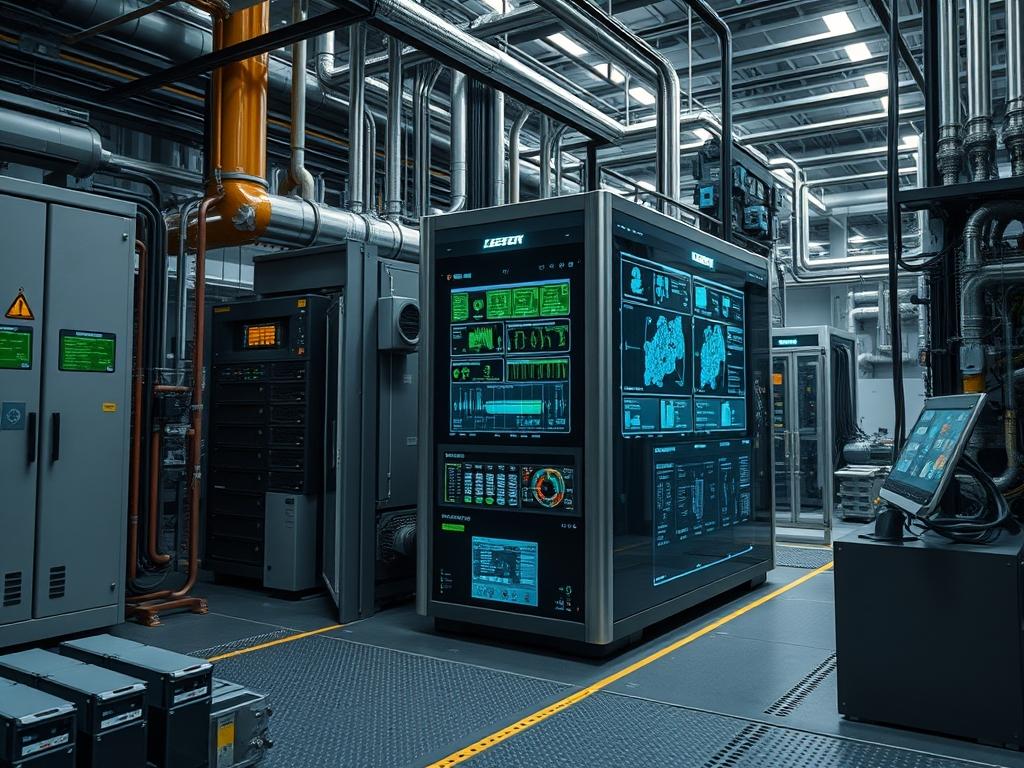
The Load Terminal Configuration serves as the primary gateway for regulated power delivery between energy storage subsystems and low voltage direct current appliances. In remote edge computing, telecommunications, and industrial automation, this configuration manages the electrical interface where raw battery voltage is converted into a stabilized source for end devices such as IoT gateways, field sensors, and small form factor servers. The primary engineering goal is the prevention of deep discharge cycles through Low Voltage Disconnect (LVD) logic, while simultaneously providing overcurrent protection and telemetry for downstream consumption patterns.
By isolating the load path from the charging path, the Load Terminal Configuration enables granular control over power state transitions. This prevents catastrophic battery failure in high demand scenarios and mitigates the risk of thermal runaway in the event of short circuits within the appliance layer. Integrating this configuration into a centralized management framework allows for remote power cycling, automated load shedding based on state of charge (SoC) data, and precise accounting of energy throughput across a distributed network of DC nodes.
| Parameter | Value |
| :— | :— |
| Nominal Voltage | 12VDC, 24VDC, 48VDC |
| Maximum Load Current | 10A to 30A (hardware dependent) |
| Low Voltage Disconnect (LVD) | 10.5V to 11.5V (adjustable for 12V systems) |
| Low Voltage Reconnect (LVR) | 12.0V to 13.5V |
| Quiescent Current Draw | < 15mA |
| Communication Protocols | Modbus RTU (RS485), MQTT via ESP32/ARM Gateway |
| Environmental Tolerances | -40C to +60C ambient |
| Security Exposure | Low (Physical access or unencrypted Modbus) |
| Recommended Hardware | Industrial MPPT or PWM Controller, DIN-rail PDU |
| Concurrency Threshold | Constant current rating at 100 percent duty cycle |
Configuration Protocol
Environment Prerequisites
Successful deployment requires an industrial grade DC charge controller or a programmable DC distribution unit with native LVD support. Firmware must support Modbus over RS485 for remote telemetry. Cables must conform to American Wire Gauge (AWG) standards suitable for the target amperage to minimize voltage drop across the run. Administrative access to a Linux based gateway running mosquitto or a similar message broker is necessary for stateful monitoring. Physical installation requires 35mm DIN rails and ferrules for all terminal connections to prevent stray strands from triggering short circuit faults.
Implementation Logic
The engineering rationale for a dedicated Load Terminal Configuration centers on the protection of the energy reservoir. Direct appliance connection to battery terminals bypasses safety features, risking over-discharge which permanently degrades battery chemistry. The load terminal logic inserts a high-side or low-side MOSFET switch controlled by a microprocessor. This processor monitors the battery voltage and internal temperature, executing an automated disconnect sequence when thresholds are breached. This architecture ensures that the critical charging logic remains prioritized, allowing the system to recover from low power states without manual intervention. Communication flows via a master/slave architecture where the gateway polls registers to determine operational health and energy consumption.
Step By Step Execution
Physical Wiring and Polarity Verification
Establish the physical layer by connecting the battery to the controller before attaching the load. Use a Fluke multimeter to verify voltage at the battery terminals, ensuring the reading matches the expected system voltage. Cleanly strip 6mm of insulation from the appliance leads and crimp on ferrules. Insert the positive lead into the L+ terminal and the negative lead into the L- terminal.
System Note: Reversing polarity at the load terminal can destroy the output MOSFET or trigger a non-resettable internal fuse. Always verify continuity and polarity before energizing the circuit.
Modbus Register Configuration for LVD
Connect the RS485 to USB adapter between the controller and your management workstation. Use a tool like mbpoll to access the internal registers that define the LVD and LVR setpoints.
“`bash
Read current LVD setting at register 0x3103
mbpoll -a 1 -b 9600 -p none -t 4:hex -r 0x3103 /dev/ttyUSB0
Write new LVD value (e.g., 11.1V for 12V system)
mbpoll -a 1 -b 9600 -p none -t 4:hex -r 0x3103 /dev/ttyUSB0 0x0456
“`
System Note: The hexadecimal value 0x0456 represents the target voltage multiplied by a scaling factor, typically 100. Verification via a secondary read command is required to ensure the value is committed to non-volatile memory.
Daemonized Monitoring Service Setup
Deploy a Python script or a dedicated service like telegraf to collect metrics from the load terminal. This service should run as a systemctl unit to ensure it restarts upon failure or system reboot.
“`ini
[Unit]
Description=DC Load Terminal Telemetry Service
After=network.target
[Service]
ExecStart=/usr/bin/python3 /opt/telemetry/load_monitor.py
Restart=always
User=telemetry_admin
[Install]
WantedBy=multi-user.target
“`
System Note: Utilize journalctl -u load_monitor.service to inspect real-time logs for CRC errors on the Modbus line, which often indicate electromagnetic interference or loose terminal connections.
Timer and Logic Programming
If the appliance requires specific uptime windows, configure the load terminal work mode. Most controllers support manual, light-controlled, or time-controlled modes. For networking gear, the manual mode (always on) is standard, with the LVD acting as the override.
“`bash
Set work mode to Manual (0x06)
mbpoll -a 1 -b 9600 -t 4:hex -r 0x3E00 /dev/ttyUSB0 0x0006
“`
System Note: Manual mode ensures that the load remains active regardless of ambient light levels, which is crucial for infrastructure that provides 24/7 connectivity.
Dependency Fault Lines
Operating a Load Terminal Configuration introduces several failure domains that can lead to unexpected downtime.
- Voltage Sag During Startup: High inrush current from appliances with large capacitive inputs can cause a momentary voltage drop at the terminals. The controller may interpret this as a low battery state and trigger an immediate LVD. Remedy this by installing a soft-start module or a small capacitor bank near the appliance.
- Inductive Kickback: DC motors or relays connected to the terminal can generate high voltage spikes when powered down. These spikes can puncture the insulation of the controller’s switching MOSFETs. Verification involves using an oscilloscope to detect transients. Remediation requires a flyback diode installed in parallel with the inductive load.
- Ground Loops: If the load is grounded to a chassis that shares a ground with the charging source, a ground loop can occur. This introduces noise into the telemetry data and can cause erratic LVD triggering. Use isolated DC-DC converters to decouple sensitive electronics from the main power rail.
- Thermal Throttling: Load terminals generate heat during high current throughput. If the controller’s heatsink is obstructed, the unit may enter a thermal protection state, cutting power to the appliance. Ensure vertical mounting with at least 10cm of clearance on all sides for passive convection.
Troubleshooting Matrix
| Symptom | Root Cause | Verification Method | Remediation |
| :— | :— | :— | :— |
| Load terminal inactive despite high battery voltage | Software override or LVD state latch | Check register 0x3201 (Fault State) via mbpoll | Clear faults; toggle load switch register 0x0002 |
| Rapid cycling of load (Hunting) | LVR and LVD setpoints too close | Observe syslog for rapid reconnect events | Increase hysteresis (gap between LVD and LVR) |
| Garbage data in telemetry | EMI or baud rate mismatch | Inspect journalctl for Modbus CRC errors | Shield RS485 cabling; verify 9600/8/N/1 settings |
| Excessive terminal heat | Poor contact resistance | Use thermal camera or physical inspection | Re-torque terminal screws; check ferrule crimps |
| Appliance reboots on motor start | Instantaneous voltage drop | Monitor voltage using a high speed data logger | Upgrade battery bank or add local capacitance |
Example journalctl alert for LVD event:
`Jan 15 14:22:10 edge-gateway telemetry[452]: ALERT: Low Voltage Disconnect triggered. V_Batt: 11.08V. Load current dropped to 0.00A.`
Optimization And Hardening
Performance Optimization
To maximize throughput and efficiency, minimize the resistance at every junction. Use high strand count copper wire to improve flexibility and contact surface area. Fine-tune the LVD thresholds based on the specific discharge curve of your battery chemistry. For Lithium Iron Phosphate (LiFePO4), the discharge curve is flat, requiring more precise voltage sensing compared to Lead Acid. Set the polling interval for Modbus data to 10 seconds to reduce the CPU overhead on the gateway while maintaining sufficient resolution for fault detection.
Security Hardening
Hardening the Load Terminal Configuration involves physical and logical isolation. Disable any unused communication ports on the controller. If using RS485, ensure the gateway does not bridge the Modbus network to the public internet. Use a firewall to restrict access to the telemetry daemon. Implement a fail-safe logic in your monitoring script that keeps the load terminal active if the gateway loses communication with the controller, preventing a software hang from cutting power to critical infrastructure.
Scaling Strategy
For deployments requiring more current than a single load terminal can provide, implement a distributed DC PDU. Rather than overloading a single controller, use the load terminal to trigger the coil of a high amperage industrial contactor. This allows the small signal of the configuration to manage much larger power rails. Incorporate redundancy by using dual controllers in a shared bus configuration, utilizing blocking diodes to prevent backfeeding. This design ensures that if one controller’s load terminal fails, the second unit maintains the power rail for the appliances.
Admin Desk
How do I reset a latched short circuit fault?
Disconnect the load completely and inspect for internal shorts. Most controllers require a power cycle of the battery side or a specific Modbus write to the fault reset register. Verify the appliance impedance with a multimeter before reconnecting.
Can I run inductive loads like fans directly?
Yes, but you must install a flyback diode across the load terminals. This prevents the inductive flyback voltage from damaging the controller’s internal circuitry during shutdown. Ensure the diode’s reverse voltage rating exceeds the system voltage by at least 300 percent.
What is the ideal hysteresis for LVD?
For 12V lead acid systems, a gap of 1.5V to 2.0V between disconnect and reconnect is standard. This prevents the system from oscillating or hunting when the battery voltage bounces back after the load is removed.
Why does my gateway show 0V at the load?
Check if the controller is in a timed mode or if the LVD has triggered. If the battery voltage is above the LVR, verify the manual switch state in the controller’s internal registers or local LCD interface.
How does wire gauge affect LVD accuracy?
Thin wires cause a voltage drop between the controller and the load. If the controller senses voltage at its internal bus, but the wire drops 0.5V, the appliance may hit its own internal LVD before the controller acts. Always oversize DC wiring.